
Public links
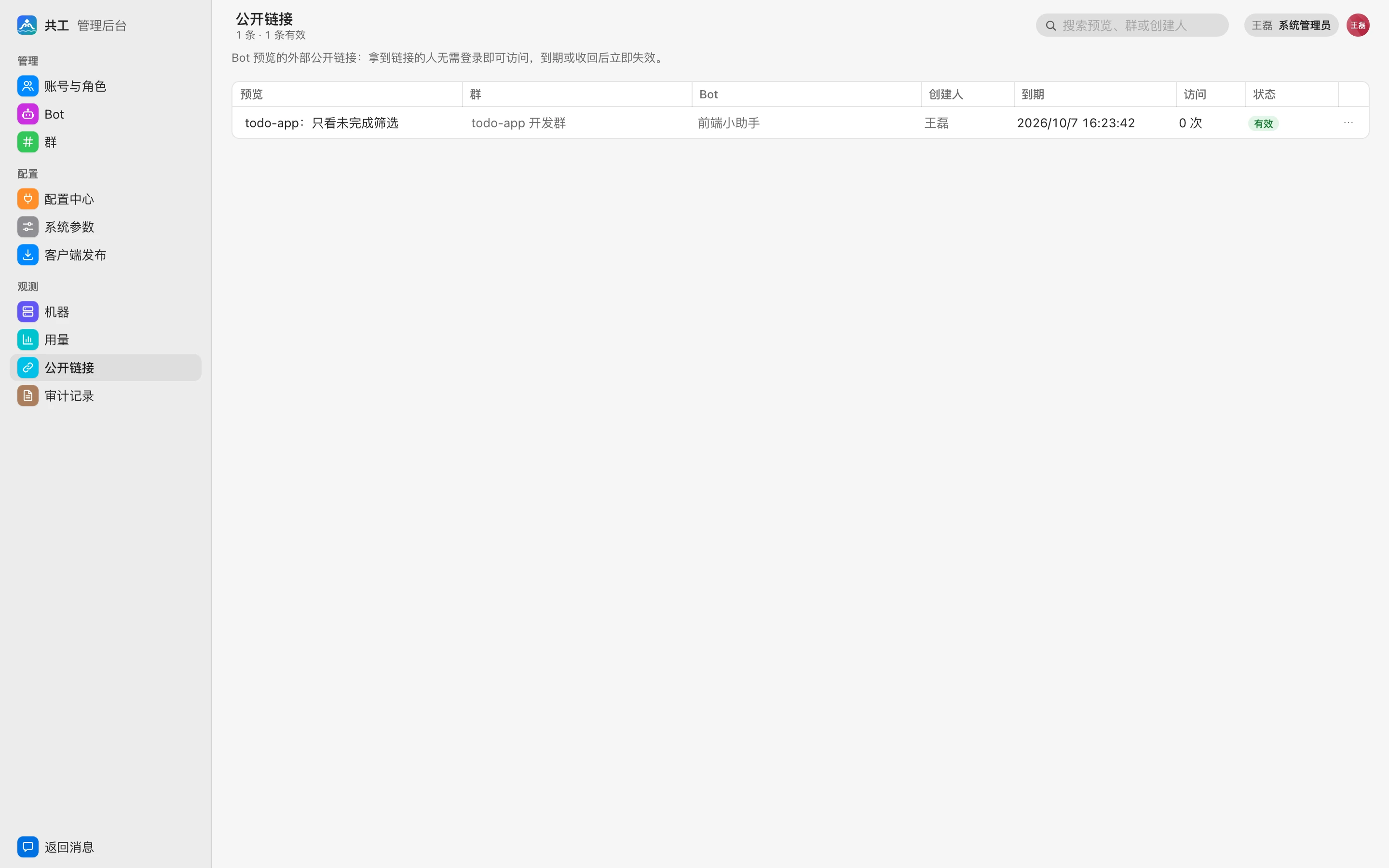
This page covers the 「公开链接」 (Public links) page: viewing all public links to previews created in any group, and extending or revoking them.
What is a public link
By default, previews made by Bots (such as web pages) can be opened only by signed-in group members. A group member can create a public link for a preview; anyone with the link can open it without signing in, which is handy for showing results to external clients or colleagues. To create one, see Public sharing.
A public link always has an expiration, up to the 「预览公开链接最长有效期」 (Max validity of preview public links) in System parameters (30 days by default). It stops working immediately when it expires, is revoked, or the preview is closed; visitors then see 「公开链接已失效或已被收回。」 ("This public link has expired or been revoked.").
Link list
The toolbar shows 「N 条 · M 条有效」 (N links · M active). Use the search box in the top right to search by preview, group, Bot, or creator.
| Column | Description |
|---|---|
| 预览 (Preview) | Preview title |
| 群 / Bot (Group / Bot) | The group the preview is in and the Bot that produced it |
| 创建人 (Creator) | The member who created the link |
| 到期 (Expires) | Expiration time |
| 访问 (Visits) | Number of visits through the link |
| 状态 (Status) | 有效 (Active) / 已过期 (Expired) / 已收回 (Revoked) / 预览已关闭 (Preview closed) |
Extend or revoke
Active links have two actions in the row menu:
- 延长 7 天 (Extend 7 days): Extends the link by 7 days from the current expiration (or from now if already expired).
- 收回 (Revoke): Invalidates the link immediately; visitors can no longer open it.
TIP
If a link has been shared outside by mistake, just 「收回」 (Revoke) it; there's no need to close the preview itself, and group members can still view the preview as usual.
Creating, extending, and revoking links, as well as every visit through a public link, are written to the audit log (type 「预览」 (Preview)).