
Appearance and themes
This page covers how to switch between light and dark themes, adjust the glass effect, and which other layout preferences the interface remembers.
Where to find it
Click 「设置…」 (Settings…) in the avatar menu; the 「外观」 (Appearance) page opens by default.
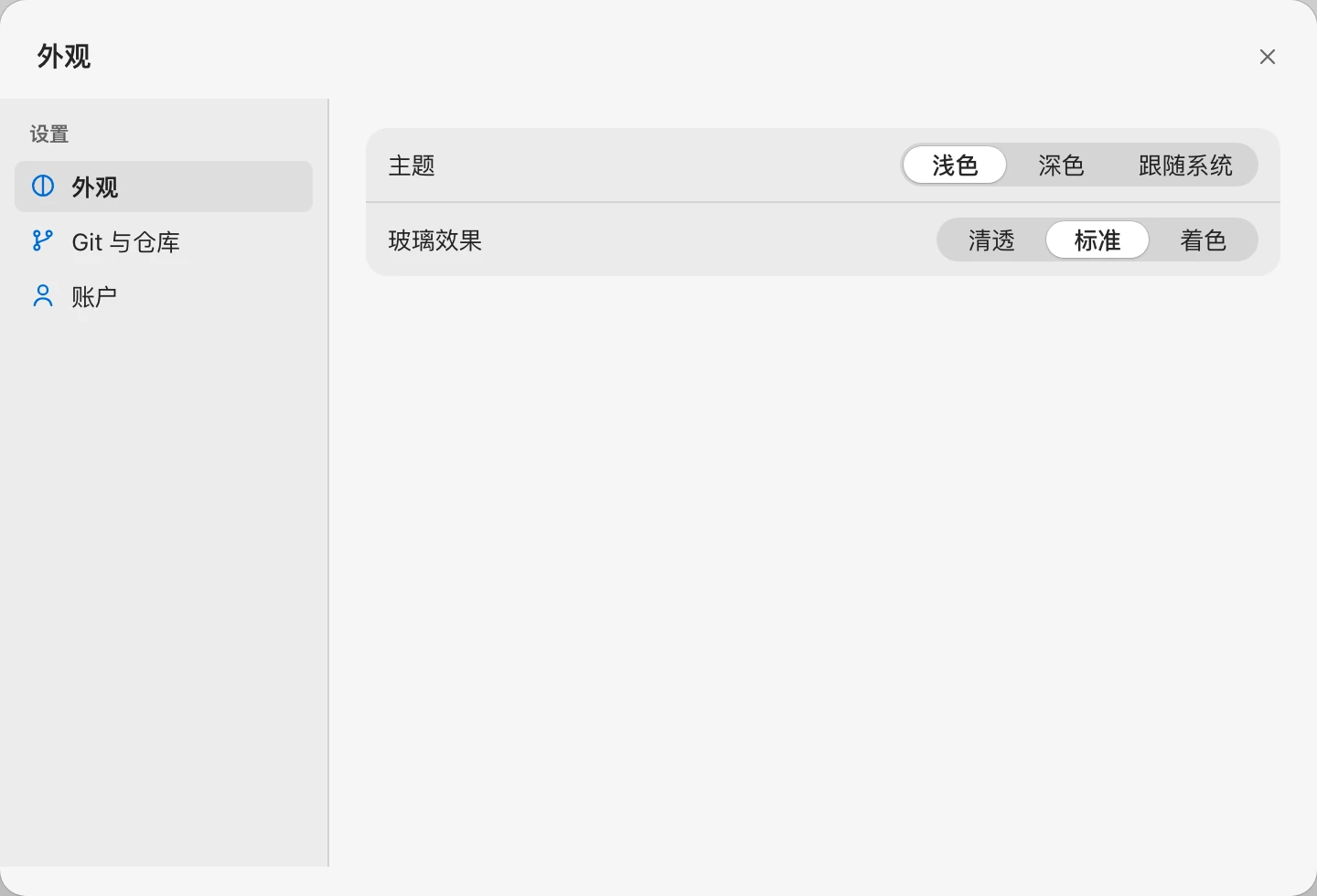
Theme
| Option | Effect |
|---|---|
| 浅色 (Light) | Default |
| 深色 (Dark) | Dark background, good for nighttime |
| 跟随系统 (System) | Follows the OS light / dark setting and changes automatically when the system switches |
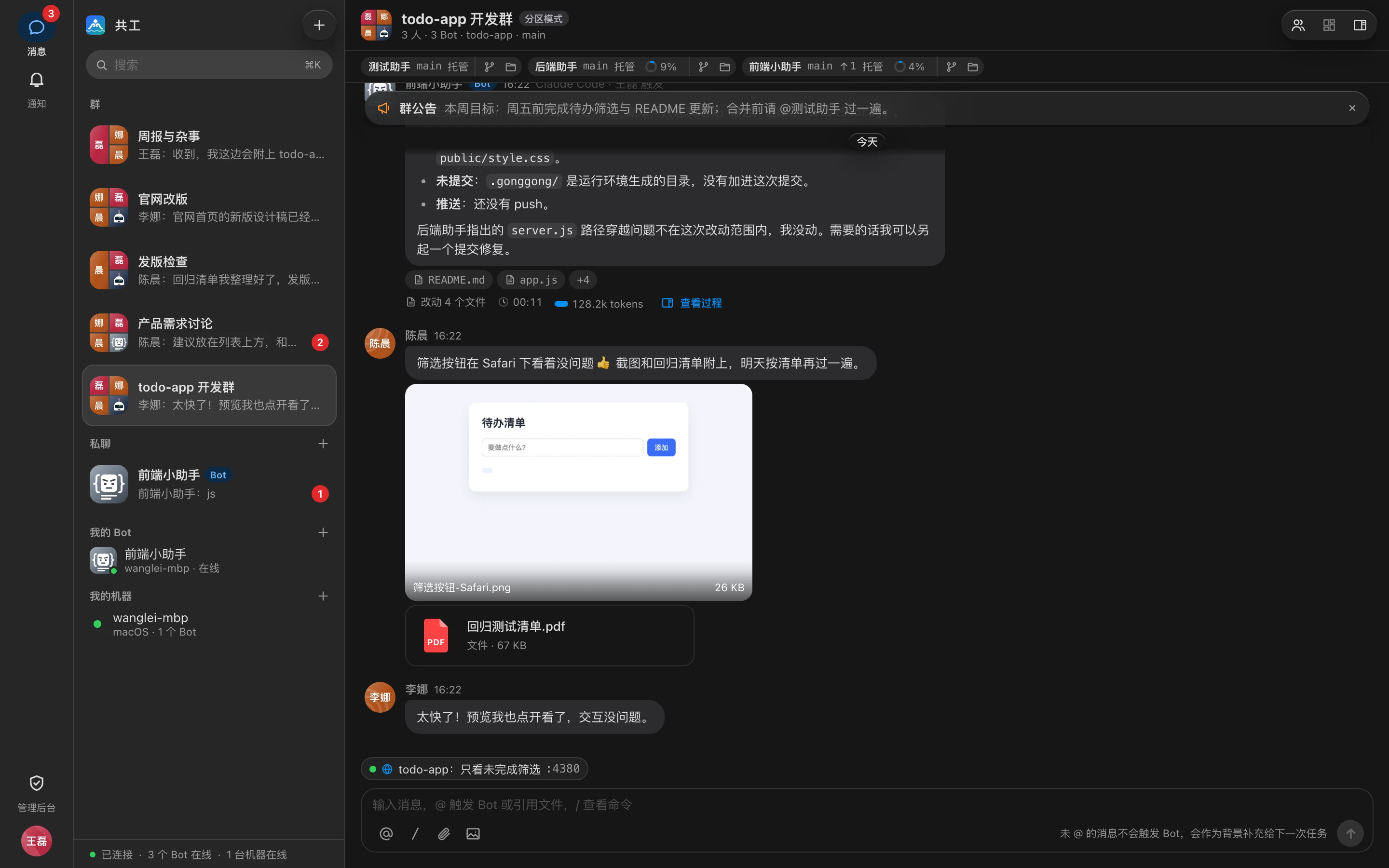
The login page also has a button in the top-right corner to switch directly between light and dark.
Glass effect
The look of translucent "glass" layers such as toolbars, menus, popovers, and toasts:
| Option | Effect |
|---|---|
| 清透 (Clear) | More transparent, showing more of what's behind |
| 标准 (Standard) | Default |
| 着色 (Tinted) | Opaque, no blur, clearest text |
TIP
If 「减少透明度」 (Reduce transparency) is turned on in your operating system, glass layers are shown as opaque no matter which option you choose.
Where preferences are stored
Theme and glass effect are stored in the current browser and don't sync with your account: you need to set them again on another machine or browser, and in a private/incognito window they reset to defaults once you close it.
The following layout state is also remembered in the current browser:
- The width of the group info sidebar on the right and of the chat column (adjusted by dragging the dividers);
- The workbench layout (Split / Focus / Fullscreen) and each group's open tabs;
- The last group you opened, which you return to automatically next time;
- The account remembered when 「记住我」 (Remember me) is checked on the login page.
For layout operations, see Interface tour.